
Imagine a world where your web browser is no longer just a tool for surfing the internet, but an integral partner in boosting your productivity. As we stand on the cusp of 2026, the evolution of AI Chrome Extensions has transformed this vision into reality. These innovative extensions are not just about automating mundane tasks; they are reshaping how we interact with technology and redefine what’s possible in our daily workflows. With their intuitive capacities, they have become indispensable allies for professionals and hobbyists alike, streamlining processes that once took hours into seamless, automated experiences.
The transformative power of AI Chrome Extensions lies in their ability to integrate into every facet of online work, from enhancing focus and time management to optimizing research and content creation. In the hustle of our digital age, these tools are not just luxuries but necessities that arm us against the overwhelming tide of information and tasks. Dive into our exploration of the best chrome Extensions for productivity in 2026, each selected based on real-world applications and proven results, and discover how they can revolutionize the way you work and live in the digital space.
Here is my no-nonsense list of the best chrome extensions for productivity in 2026, complete with the messy, real-life ways I actually use them.
The “Second Brain” Extensions (Research & Knowledge)
I used to drown in information. I’d read an article, think “that’s great,” and then completely lose it in the abyss of my bookmarks. These extensions changed that dynamic.
1. Perplexity AI
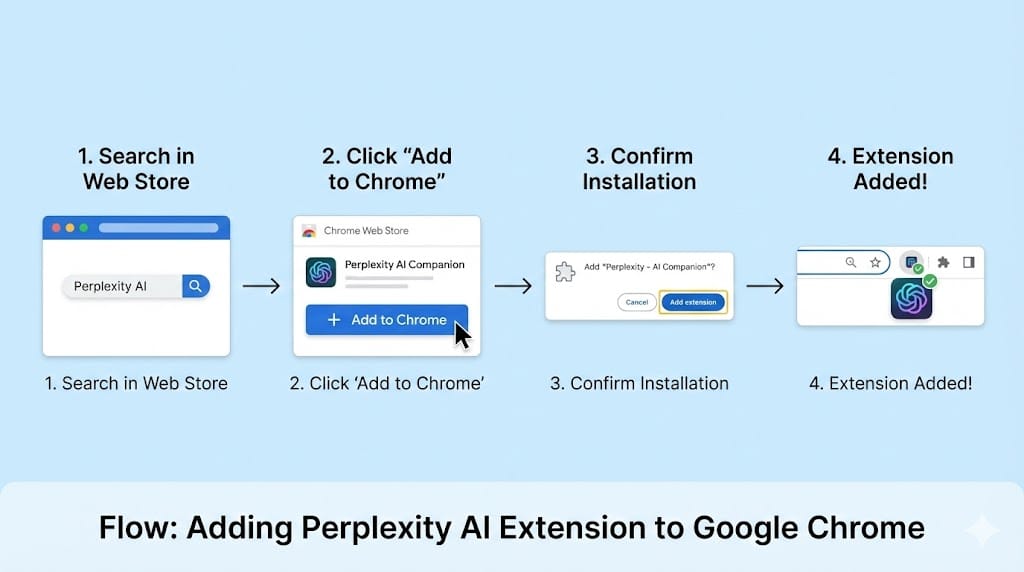
If I had to delete every extension except one, this might be the one I’d keep. Google is great, but Perplexity is like having a really smart research assistant sitting next to you who has already read the internet. Read complete article Perplexity Chrome Sidebar.
Real-Life Use Case:
Last week, I was researching “sustainable packaging trends for 2026” for a client blog post. Instead of opening 15 tabs and reading 15 intros, I just opened the Perplexity sidebar and asked, “Summarize the top 3 sustainable packaging trends for 2026 based on recent industry reports, and give me a stat for each.”
Boom. It gave me the trends, the stats, and crucially the citations so I could verify them. It turned a 45-minute research slog into a 5-minute fact-check.
- Why I love it: It cites its sources. In the age of AI hallucinations, trust is everything.
- Best feature: The “Page” focus mode, which lets you chat specifically with the PDF or article you are currently viewing.
2. Harpa AI
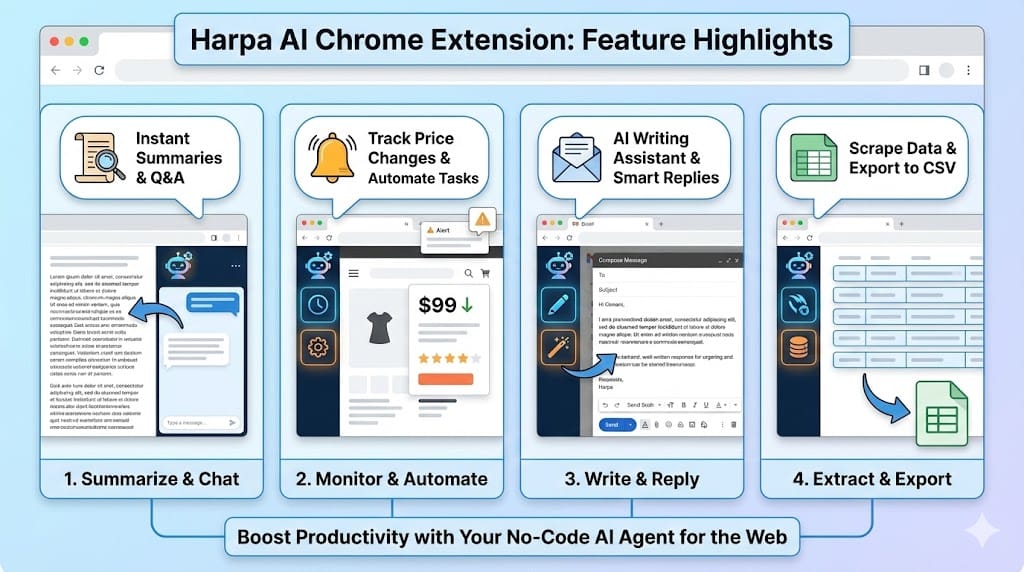
Harpa is a bit of a Swiss Army knife. It’s an AI agent that lives in your browser and can automate web tasks. It looks a bit complex at first, but once you get it, it’s powerful.
The “Aha!” Moment:
I track prices for tech gear (because I have a gadget problem). I set up Harpa to monitor a specific page for a price drop on a new camera lens. It didn’t just refresh the page; it actually understood the data structure and alerted me when the price changed. It feels like having a personal shopping bot.
- For Marketers: You can use it to monitor competitor websites for changes in their headlines or pricing pages.
The “Writer’s Block” Busters (Content & Communication)
Writing is hard. writing emails when you’re tired is even harder. These AI browser extensions take the friction out of typing.
3. Grammarly (Yes, still.)
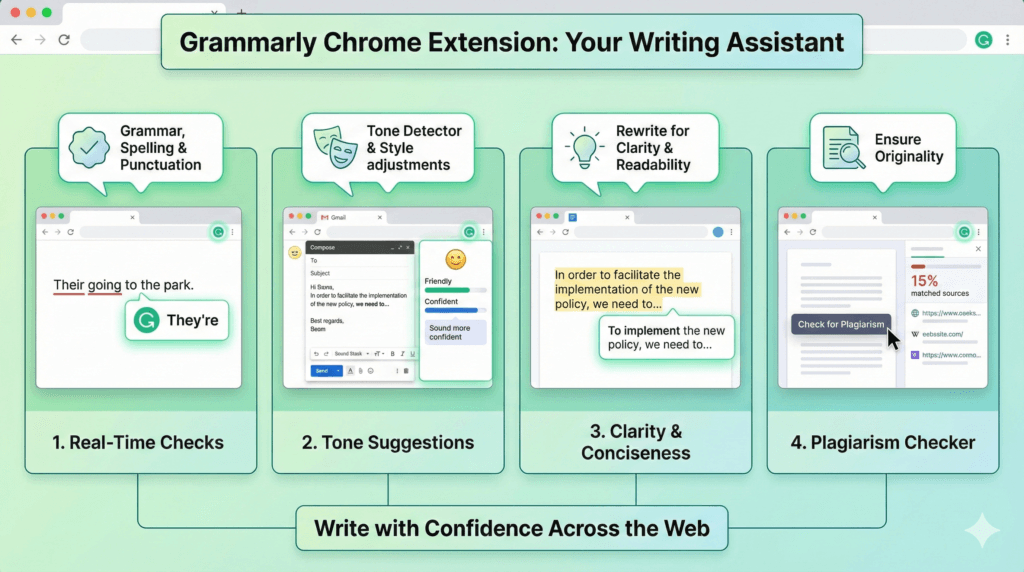
Look, I know everyone knows Grammarly. But the 2025/2026 updates have kept it relevant. It’s not just about spell-check anymore; it’s about tone.
Why it’s on my list:
I tend to sound a bit passive-aggressive when I’m rushing. I’ll type, “As I mentioned before…” and Grammarly’s little tone detector will gently wave a red flag that says, “Hey, maybe don’t sound like a jerk?” It suggests, “Recapping our previous point…” instead. It saves me from myself.
4. Compose AI
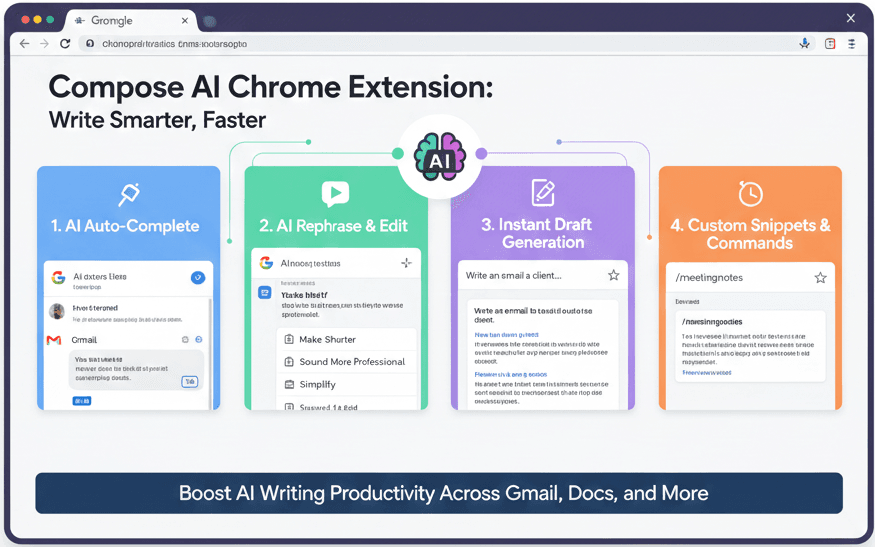
This is one of my favorite Chrome extensions for email. It’s basically autocomplete on steroids. If you’ve used Gmail’s “Smart Compose,” this is that, but for the whole web.
Real Use Case:
I get a lot of emails asking for guest post guidelines. I used to copy-paste the same blurb from a Google Doc. Now, I just type //guest and hit enter, or I let Compose AI generate a polite decline based on three bullet points I throw at it. It feels native to the browser, not like a clunky add-on.
The “Heavy Lifters” (Automation & Workflow)
This is where we get into the serious productivity gains. These aren’t just helpers; they do the work for you.
5. Bardeen
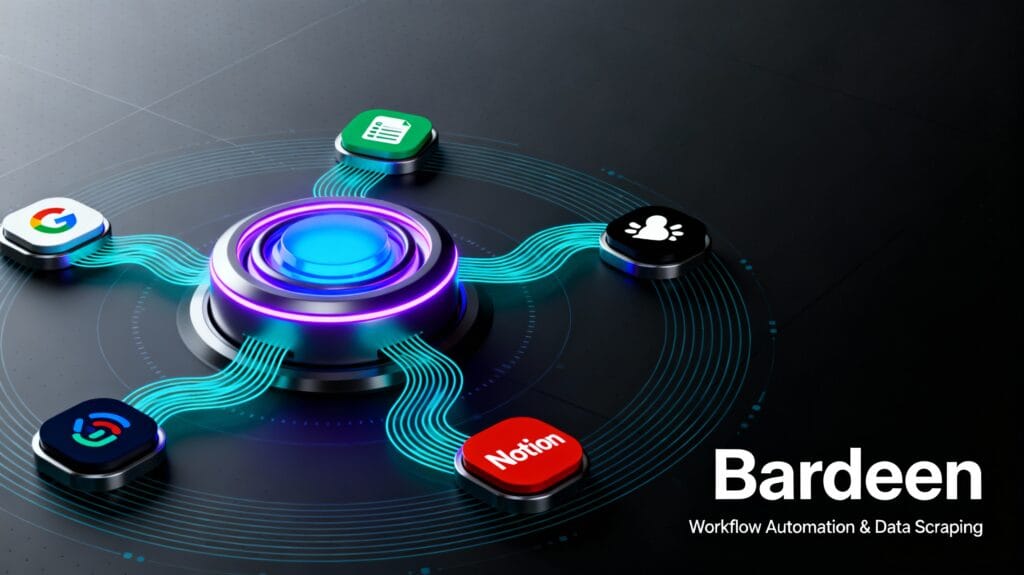
If you do any kind of repetitive data entry, Bardeen will make you want to cry tears of joy. It connects your web browser to your apps (Notion, Slack, Google Sheets) and moves data between them automatically.
My Workflow:
I’m building a list of potential podcast guests.
- The Old Way: Open LinkedIn profile -> Copy Name -> Switch tab to Google Sheet -> Paste Name -> Switch back -> Copy URL -> Switch back -> Paste URL. (Repeat 50 times until brain melts).
- The Bardeen Way: I open a LinkedIn profile, click one button on the Bardeen extension, and it automatically scrapes the profile, finds the email, and adds a new row to my “Podcast Guests” Notion database.
It feels like magic. It’s one of those powered extensions that makes you wonder why we ever did things manually.
6. Thunderbit (Formerly a niche tool, now a staple)
Thunderbit is amazing for non-technical folks who want to scrape data. It’s great for lead generation or just gathering info for a comparison table.
Example:
I needed to compare pricing for 10 different email marketing tools. Thunderbit let me turn their pricing pages into a neat CSV file without me writing a single line of code.
The “Gemini” Factor: Google’s Native Power
We can’t talk about Chrome in 2026 without talking about Gemini in Chrome. Google has finally baked its AI directly into the browser, and honestly? It’s getting really good.
You don’t even strictly need an extension for this anymore, but the integration is seamless.
- Tab Compare: This is a lifesaver. If I have 6 tabs open with different air purifiers (don’t ask), I can open the side panel and ask Gemini, “Compare the price, filter life, and noise level of the products in my open tabs.” It builds a table instantly.
- YouTube Q&A: I watch a lot of long tutorials. Now, I just ask Gemini, “What timestamp does he talk about the SEO settings?” and it takes me right there. No more scrubbing through the timeline.
Final Thoughts
The goal of using chrome extensions isn’t to automate your personality away or to let a robot do your thinking. It’s to clear the clutter.
When I use Bardeen to scrape data or Compose AI to draft an email, I’m not being lazy. I’m buying myself time to do the stuff that actually requires a human brain like figuring out a creative strategy, connecting with a client over coffee, or just closing the laptop early to go water my plants.
Start with one or two from this list. Give them a week. If they don’t save you time, delete them. But if they do, you might just find yourself with that rarest of 2026 commodities: a little bit of free time.
To learn more about Agentic AI click here. Discover how today’s enterprises are leveraging Agentic AI to secure a competitive advantage and drive new revenue. click here to learn more
References
- Bardeen Automation Use Cases: Examples of how automation is changing workflows for marketers. [Thunderbit Blog: AI Google Extensions]
- Zapier’s Top Productivity Picks: A solid breakdown of productivity tools that have stood the test of time. [Zapier Blog: Best Productivity Extensions]
- Gemini in Chrome Updates: Official news from Google on how Gemini is integrating directly into browser tabs. [Google Blog: New AI Features for Chrome]
Pingback: Perplexity Sidebar Chrome Extension — Full Review & How to Use It - AIThinkerLab
Pingback: Chrome AI Auto Browse : How Google’s Agentic AI Automates Your Web Tasks - AIThinkerLab
Pingback: How to Run AI Models Locally Without Internet in 2026: 7 Private, Offline Methods (Tested & Free) - AIThinkerLab